micro : bit Block Guide
micro:bit V2 Mainboard
Matrix
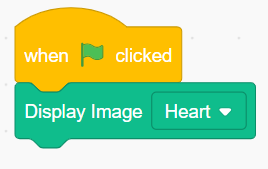
Display Image ( )
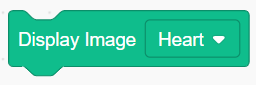
Used to display the specified pattern from the drop-down list on the micro:bit mainboard.
Example:
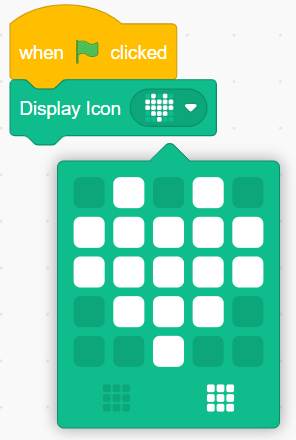
Display Icon ( )
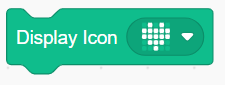
Used to display manually drawn patterns on the micro:bit mainboard
Example:
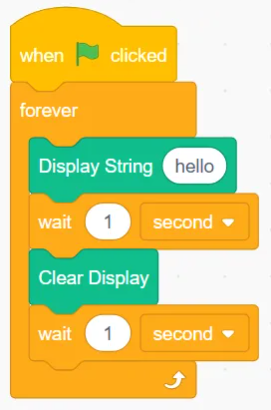
Display String ( )
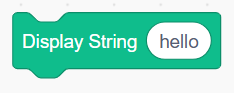
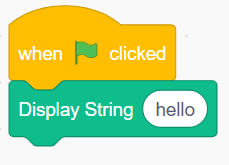
Used to display the input string on the micro:bit mainboard.
Example:
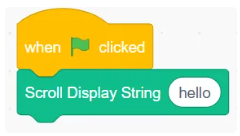
Scroll Display String ( )
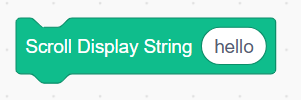
Used to scroll and display the string on the micro:bit mainboard.
Example:
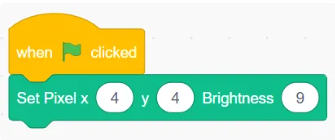
Set Pixel x( ) y( ) Brightness ( )
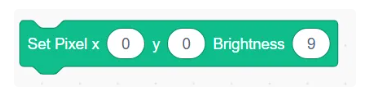
Allows you to set the brightness of the pixel at coordinates x, y.
Example:
Clear Display
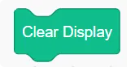
Clears the display content on the dot matrix.
Example:
Sensor
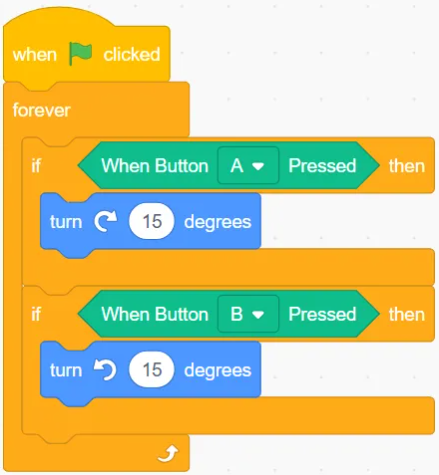
When Button ( ) Pressed
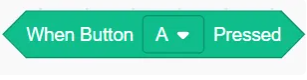
Check if the selected button is pressed.
Example:
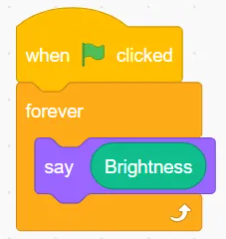
Brightness
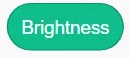
Returns the current environmental brightness.
Example:
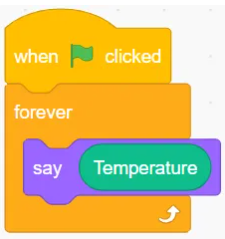
Temperature
Returns the current environmental temperature.
Example:
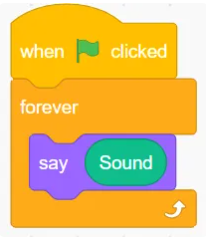
Sound

Returns the current environmental sound.
Example:
Compass Calibrate
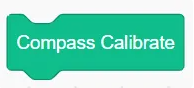
Calibrate the internal compass of the micro:bit.
Example:
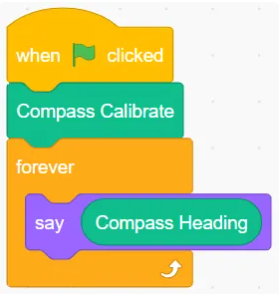
Compass Heading
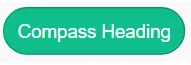
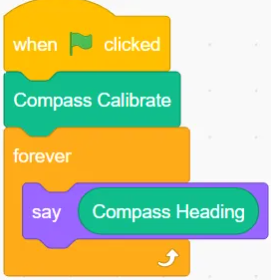
The micro:bit has a compass sensor that can measure its orientation or azimuth angle based on magnetic north.
Example:
Magnetic Strength( )
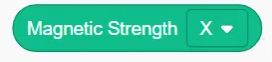
You can use the compass as a magnetometer to measure the magnetic field strength. It can do this in 3 dimensions and can simultaneously measure the overall magnetic field strength in all dimensions.
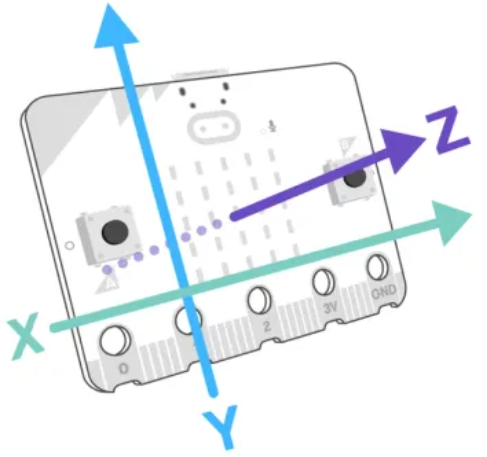
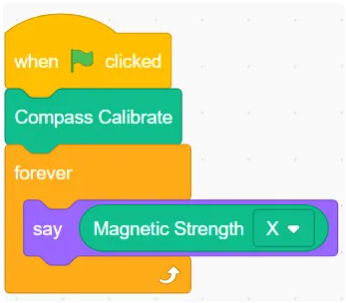
Example:
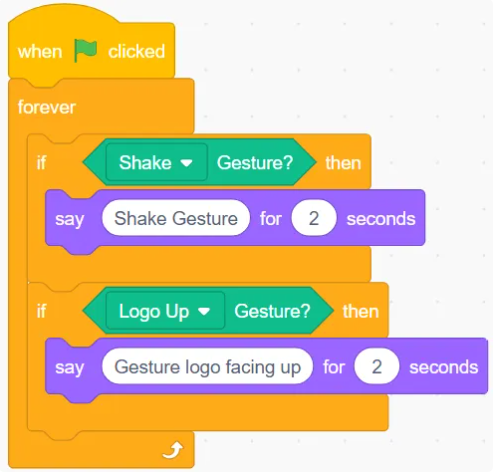
( ) Gesture
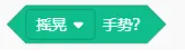
Determines whether a specific gesture is detected.
Example:
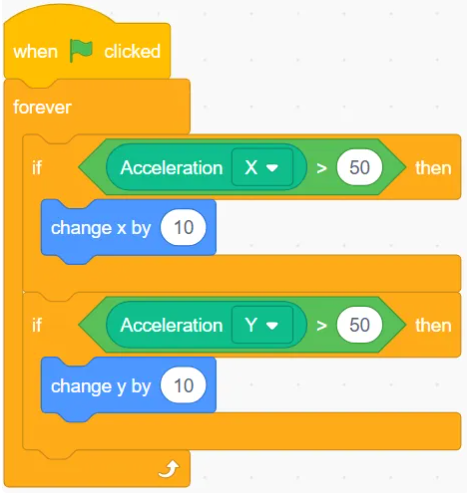
Acceleration ( )
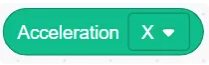
Get the acceleration along the three axes (X, Y, Z).
Example:
Music
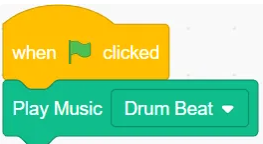
Play Music( )
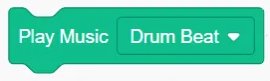
Play the selected music
Example:
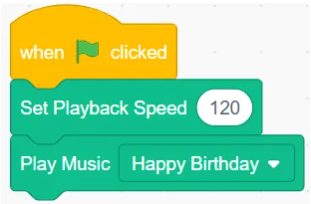
Set Playback Speed ( )
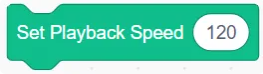
You can set the rhythm or speed of the music played on the micro:bit:
Example:
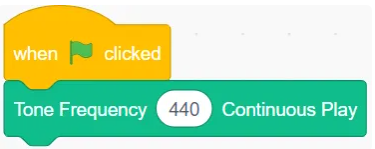
Tone Frequency ( ) Continuous Play
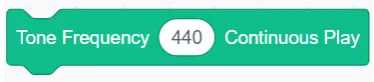
The micro:bit can play sounds defined by frequency or pitch.
Example:
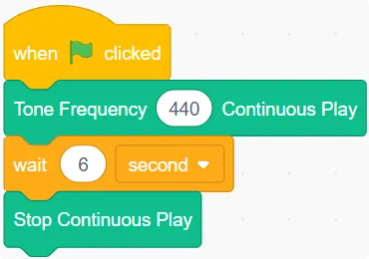
Stop Continuous Play
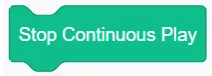
Stop Continuous Sound Playback
Example:
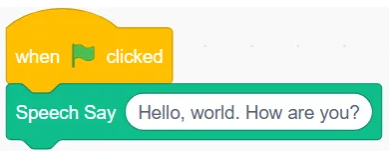
Speech Say()

Control the micro:bit to speak the input text using speech.
Example:
Play Expressive Sound ( )
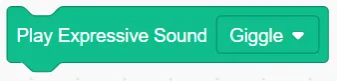
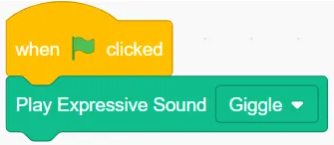
Control the micro:bit to play expressive sounds.
Example:
Set Volume( )
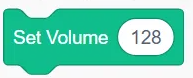
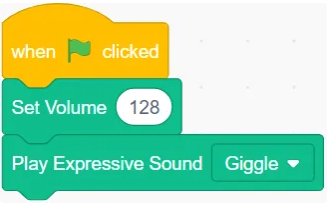
Set volume of the sound played
Example:
( )Speaker
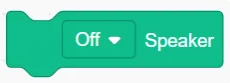
Turn Off/On the Speaker
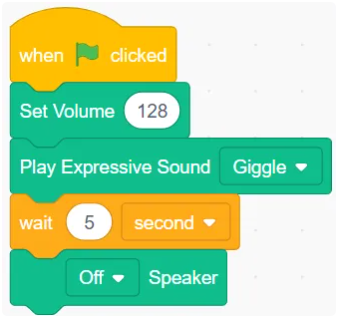
Example:
micro:bit V2 Peripheral
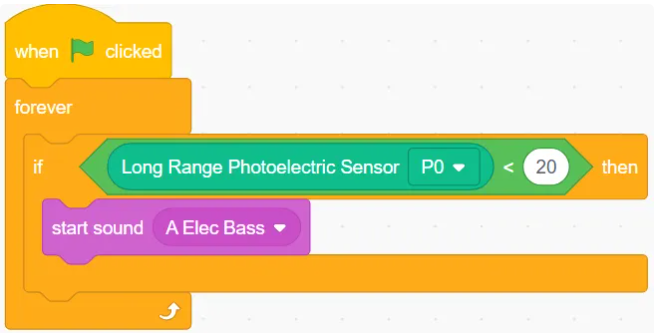
Long Range Photoelectric Sensor ( )

Get the value of the long-distance photoelectric sensor
Example:
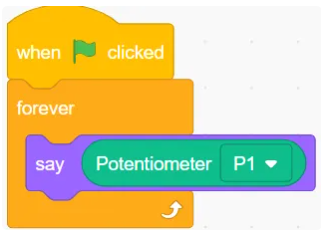
Potentiometer Module ( )
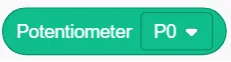
Get the potentiometer’s return value
Example:
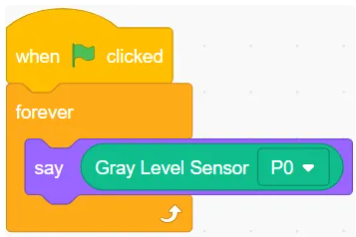
grayscale Sensor( )

Get the grayscale sensor value
Example:
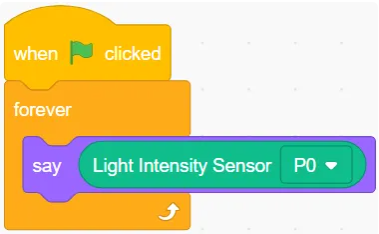
Photosensitive Sensor ( )
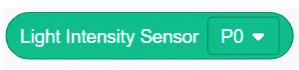
Get the photosensitive sensor value
Example:
Flame Sensor ( )
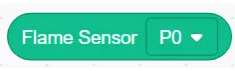
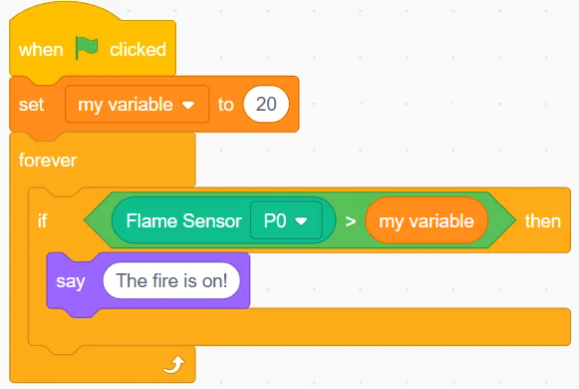
Get the flame sensor value.
Example:
Water Level Sensor( )
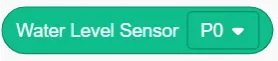
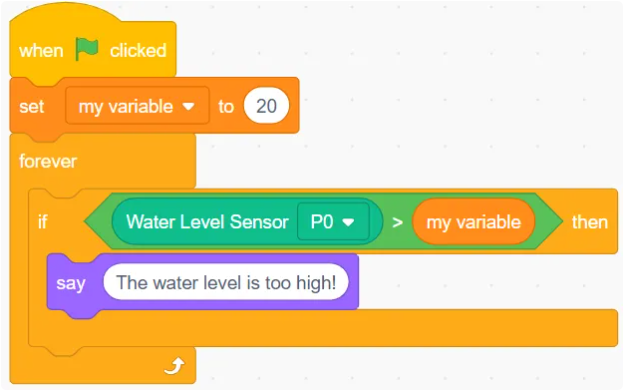
Get the water level sensor value.
Example:
MQ-2 Gas Sensor ( )
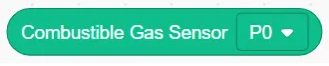
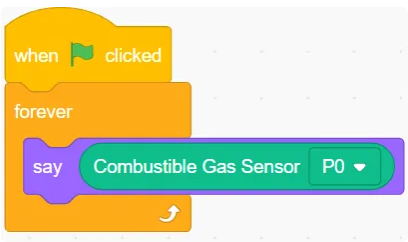
Get the MQ-2 gas sensor value.
Example:
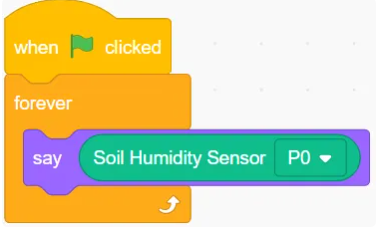
Soil Moisture Sensor ( )
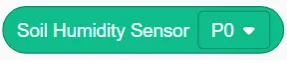
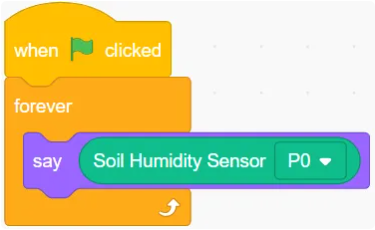
Get the soil moisture sensor value.
Example:
Temperature Sensor ( )

Get the temperature sensor value.
Example:
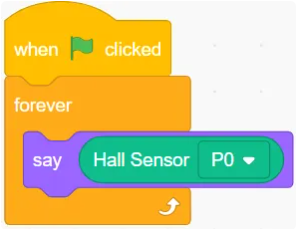
Hall Sensor ( )
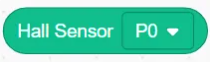
Get the hall sensor value.
Example:
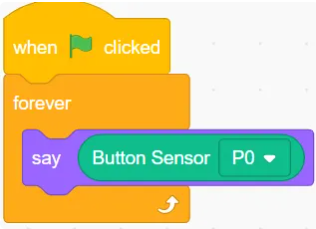
Button Sensor ( )
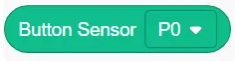
Get the button sensor value.
Example:
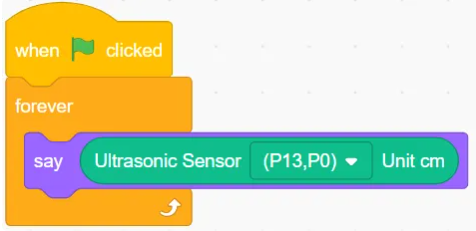
Ultrasonic Sensor (P13, P0) Unit cm

Get the value obtained by the ultrasonic sensor.
Example:
detect Joystick( )
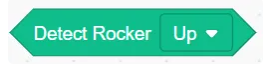
Determine the direction of the detected joystick.
Example:
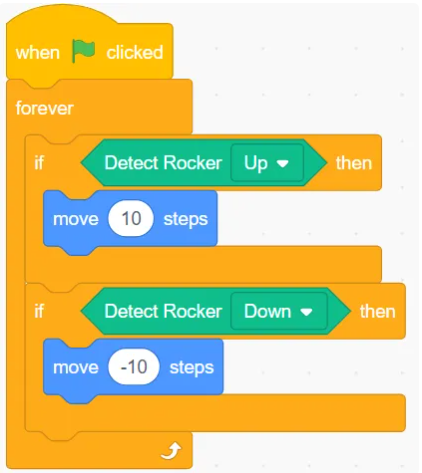
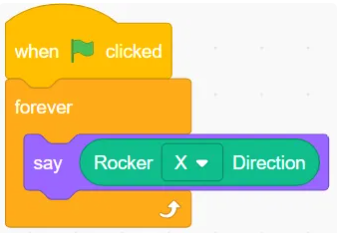
joystick ( ) Direction
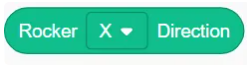
Return the detected joystick direction.
Example:
Action
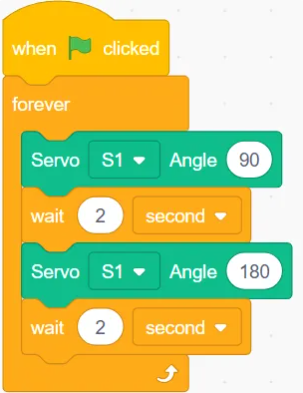
servo Motor ( ) Angle ( )
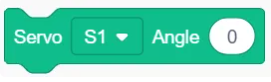
Control the servo to rotate to a specific angle.
Example:
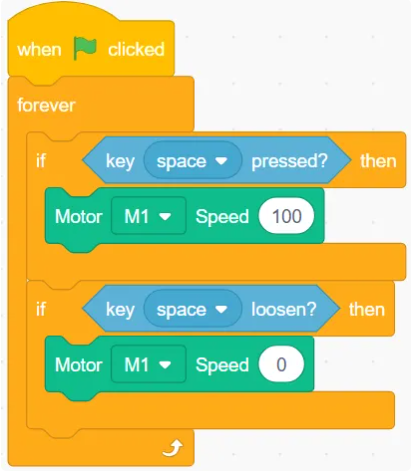
DC Motor ( ) Speed ( )
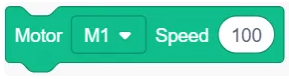
Control the Motor to Rotate at a Specified Speed
Example:
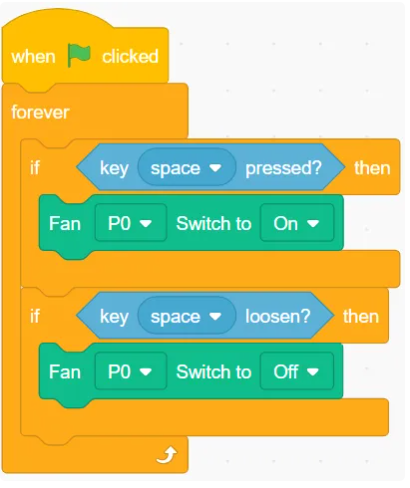
Fan ( ) Switch to ( )
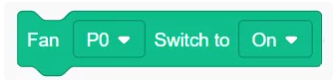
Control the Fan to Toggle Between On/Off States
Example:
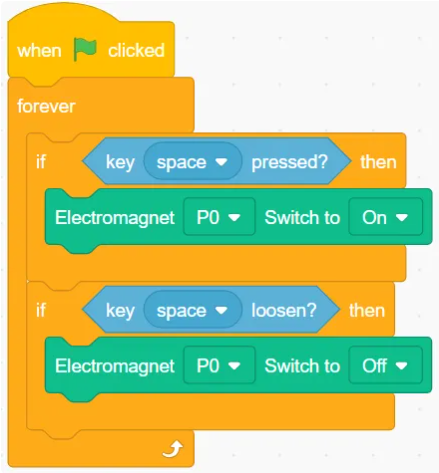
Electromagnet ( ) Switch to ( )
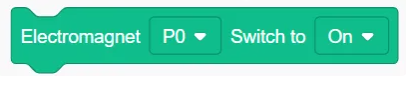
Control the Electromagnet to Toggle Between On/Off States
Example:
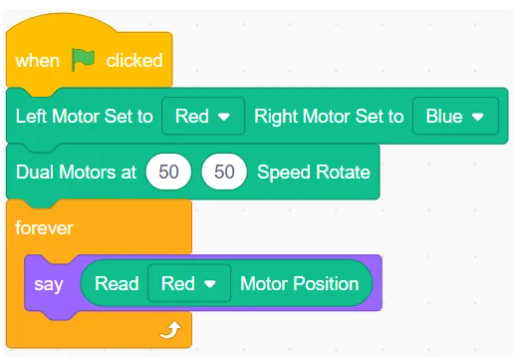
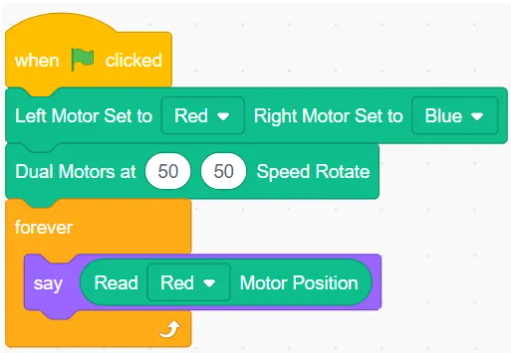
Read( )Motor Position
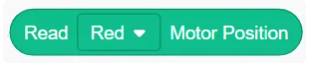
Get the position of different motors.
Example:
Left Motor Set to ( ) Right Motor Set to ( )

Assign different colors to different motors
Example:
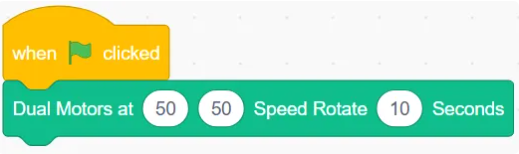
Dual Motors at ( ) ( ) Speed Rotate ( ) Seconds

Control each motor in the dual motor setup to rotate at the specified speed for a given time.
Example:
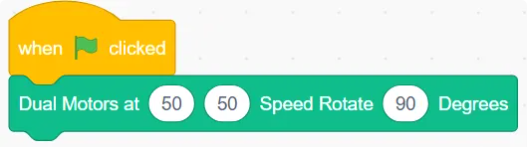
Dual Motors at ( ) ( ) Speed Rotate ( ) Degrees

Control Each Motor in Dual Motor Setup to Rotate at a Specified Speed for a Given Angle
Example:
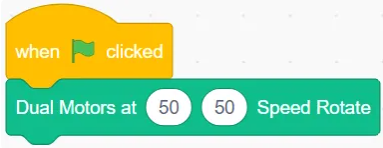
Dual Motors at ( ) ( ) Speed Rotate
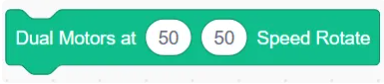
Control Each Motor in Dual Motor Setup to Rotate Continuously at Given Speed
Example:
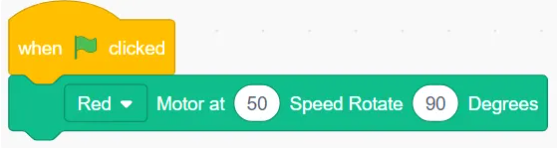
()Motor at ( ) Speed Rotate ( ) Degrees

Control different colored motors to rotate at a given speed and a specified angle.
Example:
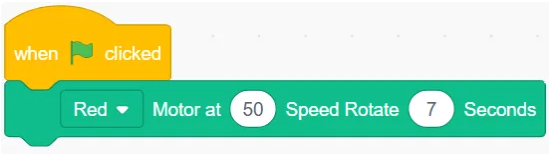
( ) Motor at ( ) Speed Rotate ( ) Seconds

Control different colored motors to rotate at a given speed for a specified time.
Example:
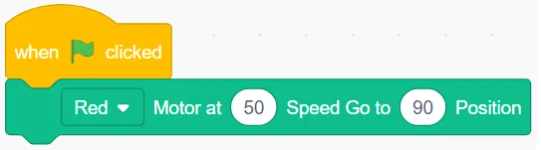
( ) Motor at ( ) Speed Go to ( ) Position

Control the specified motor to rotate at a given speed to a specified position.
Example:
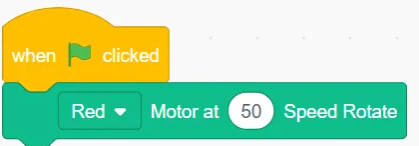
( ) Motor at ( ) Speed Rotate
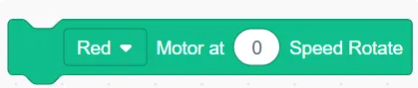
Control the motor of a specified color to rotate at a specified speed.
Example:
Light & Sound
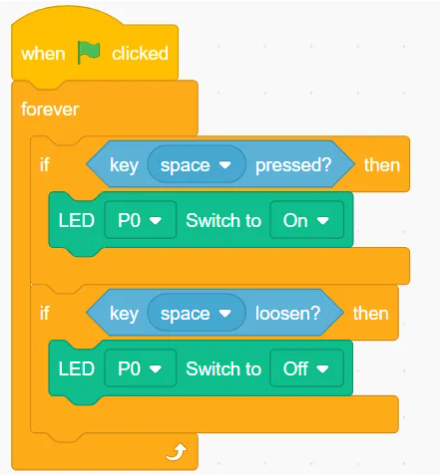
LED( )Switch to ( )
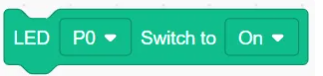
Control LED to toggle between on/off states.
Example:
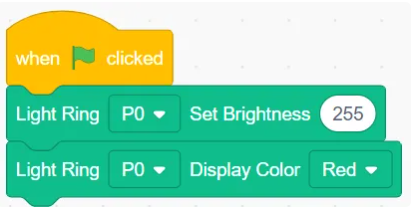
Light Ring ( ) Set Brightness ( )
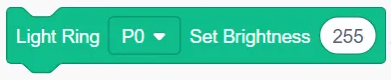
Set the brightness of the specified light ring.
Example:
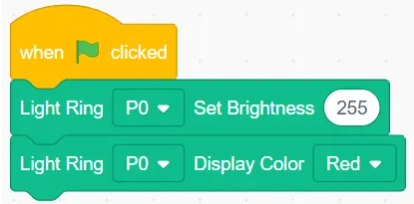
Light Ring ( ) Display Color ( )

Set the specified light ring to display a color.
Example:
Initialize OLED
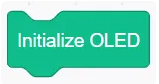
Used to initialize the OLED module.
Example:
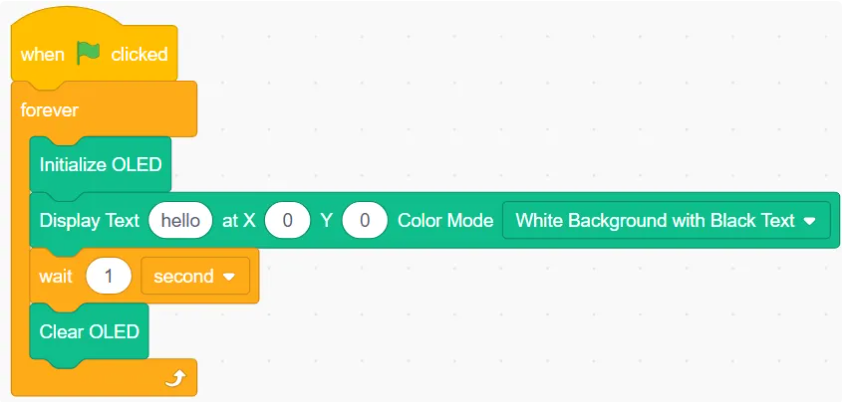
Display Text ( ) at X ( ) Y ( ) with Color Mode ( )

Set the text content, display position, and display mode.
Example:
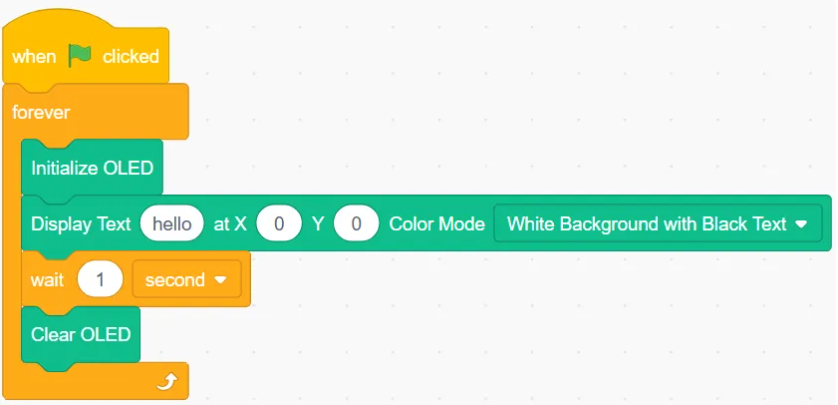
Clear OLED
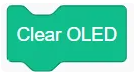
Clear the OLED display.
Example:
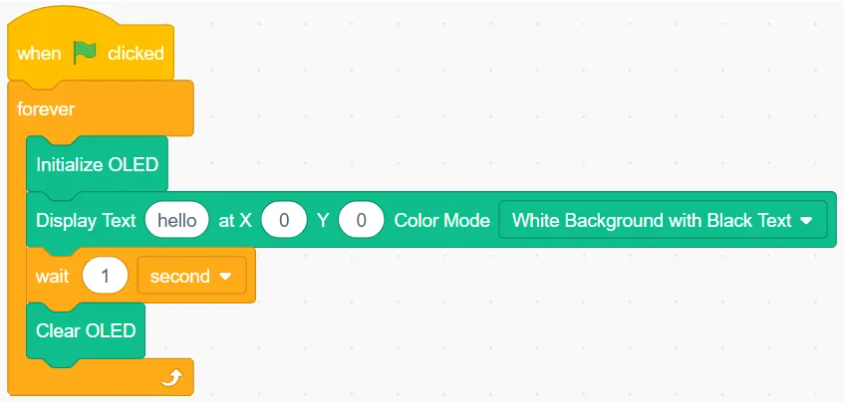
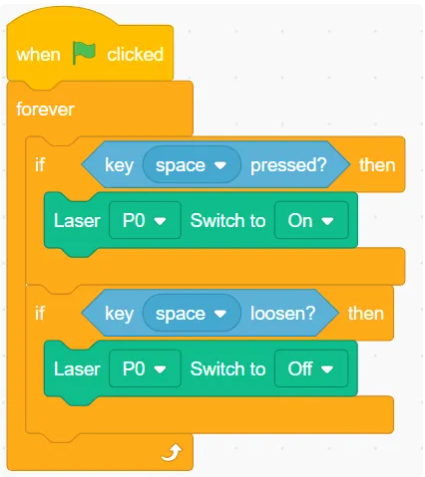
Laser ( ) Switch to ( )
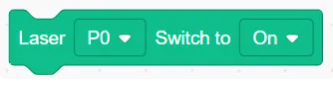
Control the laser module to switch between on and off states
Example:
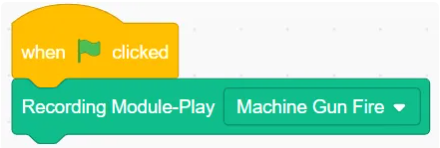
Recording Module-Play( )

Control the Recording Module to Play a Specified Sound.
Example: