Access Point Mode (AP Mode)
Definition
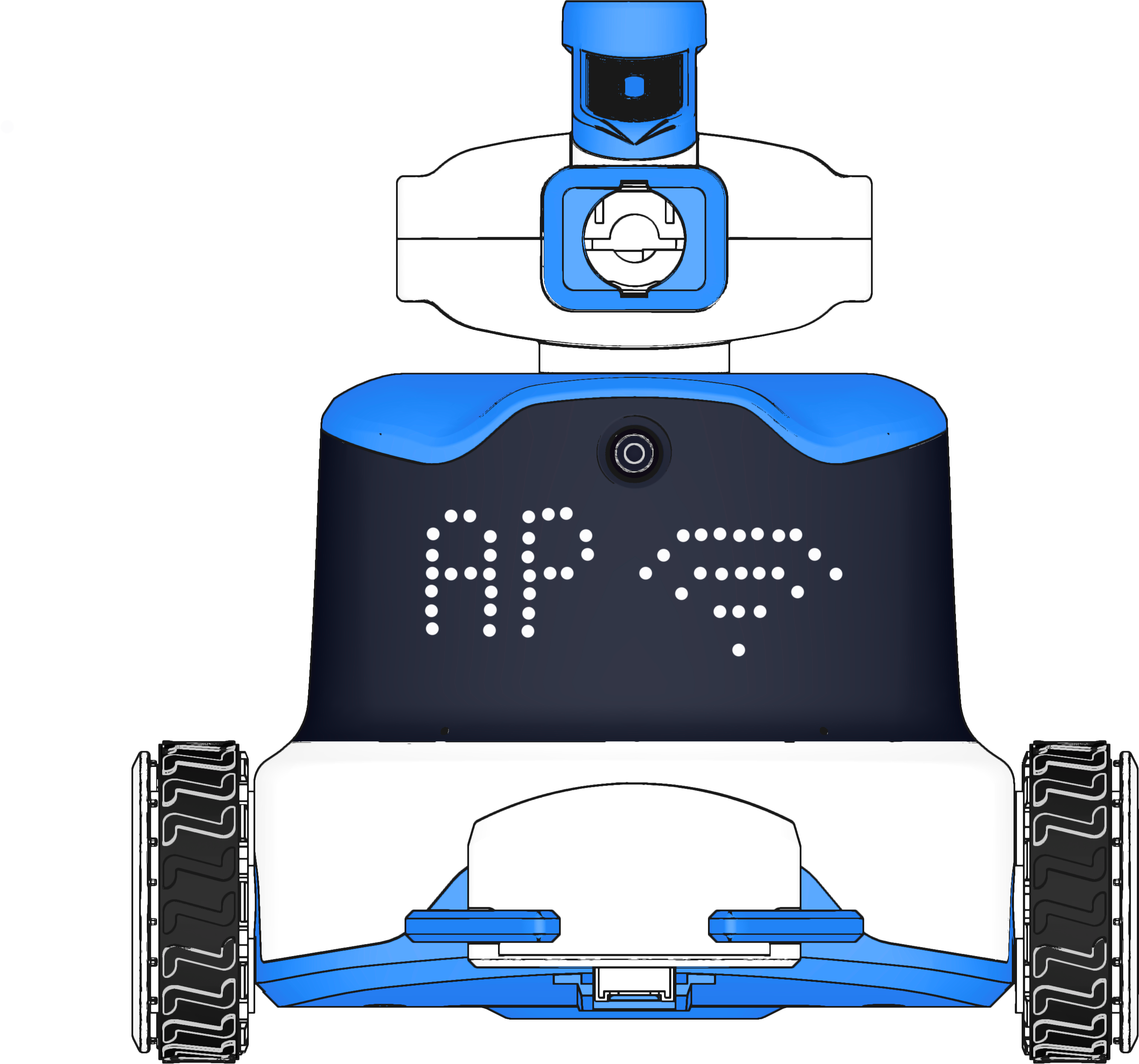
In AP Mode, the ICRobot acts as a wireless hotspot. The PC searches for and connects to the robot’s Wi-Fi signal to enable wireless communication.
Preparation
|
|
|
|---|---|---|
A computer (Windows/macOS) |
ICreateCode |
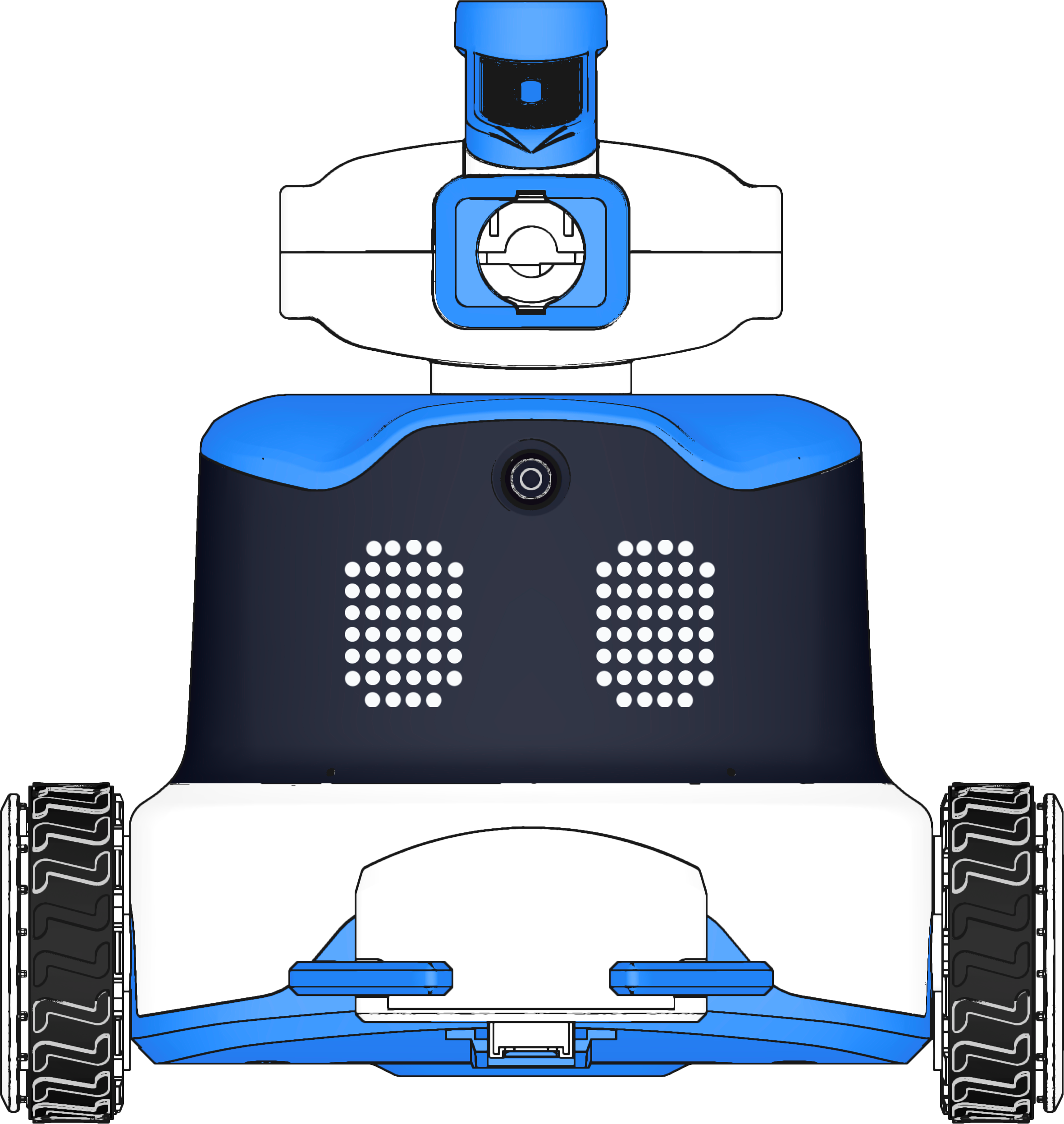
ICRobot |

Steps
|
|
|---|---|
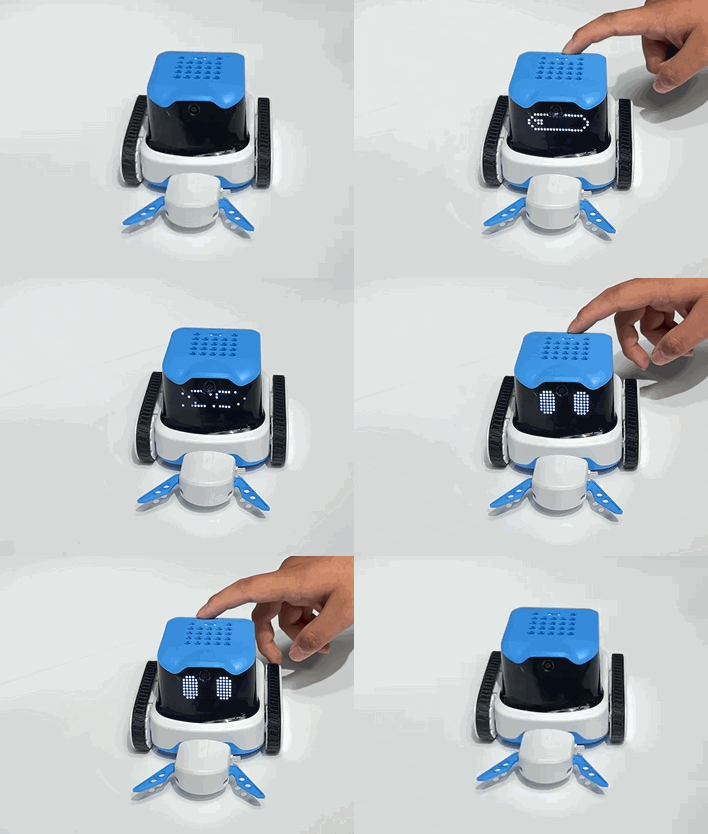
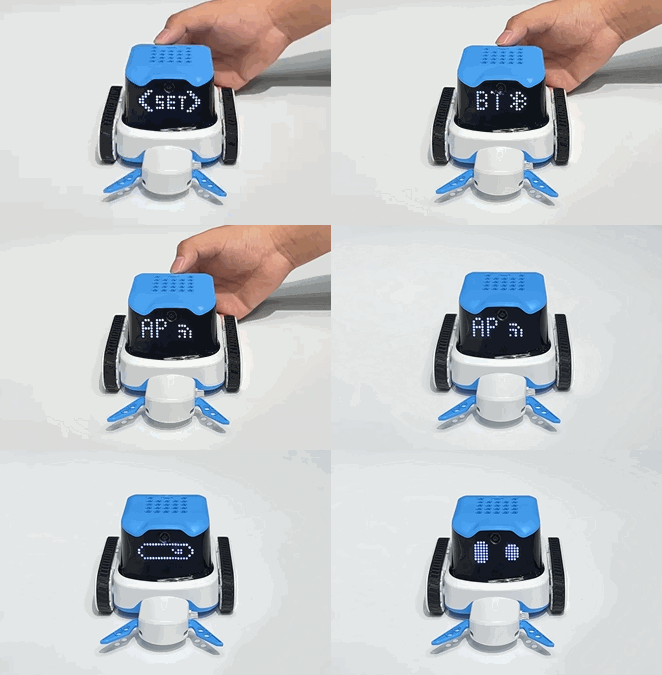
Step 1. Power on the ICRobot. After startup, press the left or right button to switch to SET Mode. |
Step 2. In SET mode, use the left button or right button to switch to AP mode, then press the power button. |
|
|
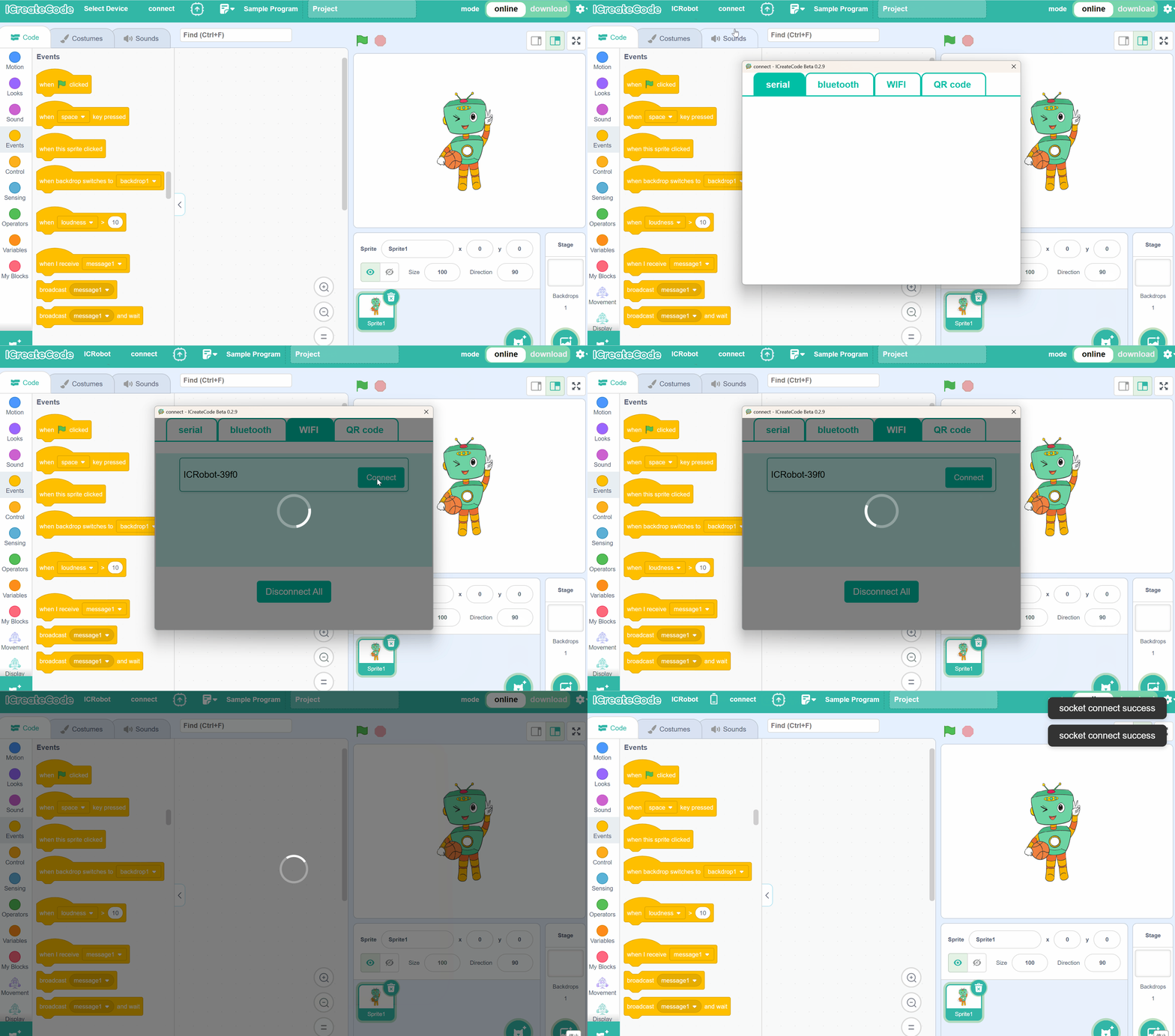
Step 3. In the programming software interface, click Connect, select WIFI, then choose the ICRobot device name |
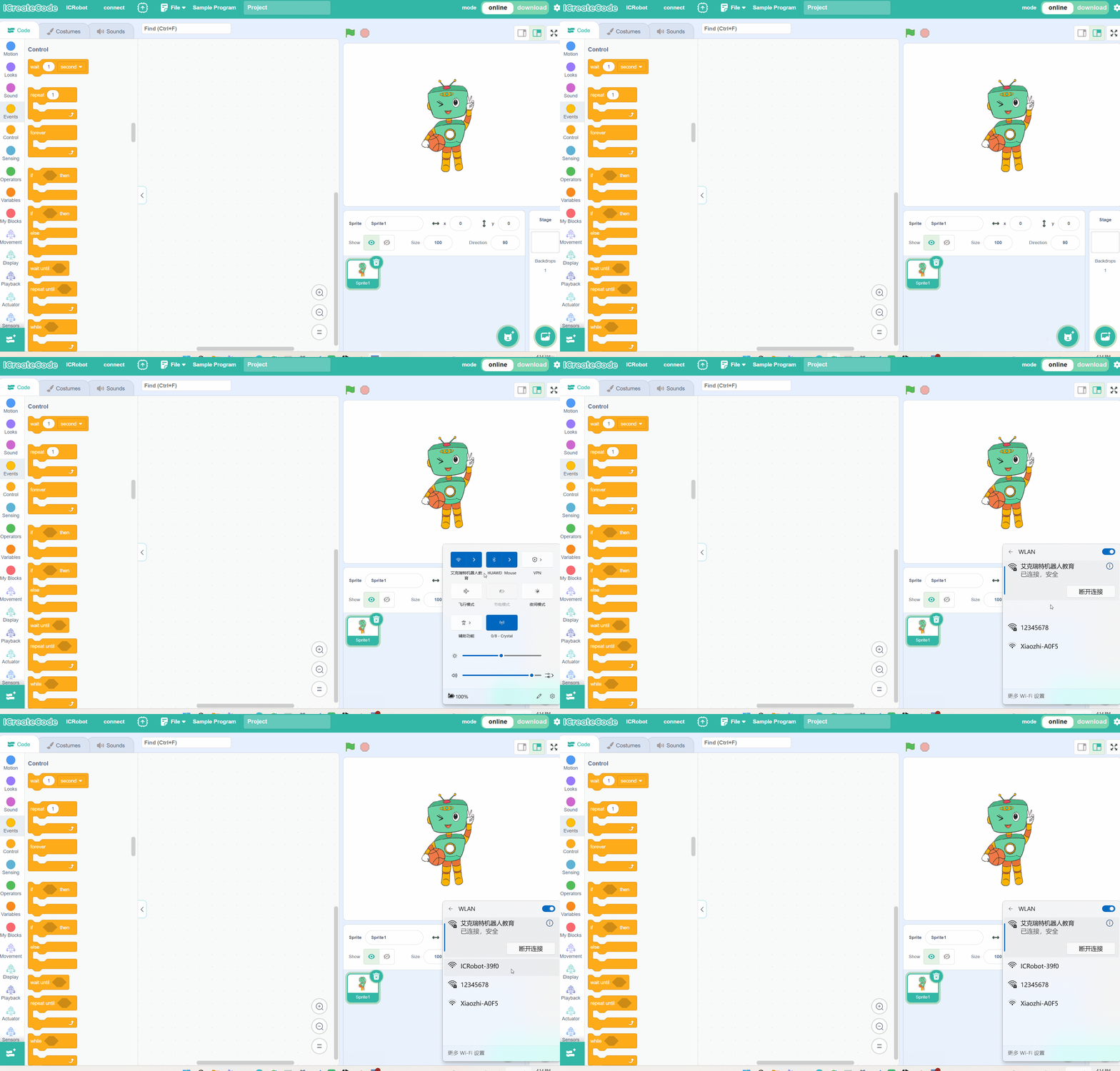
Step 4. If the device name does not appear in Step 3, open WLAN on the PC and refresh the search for the robot’s device name |
|
|
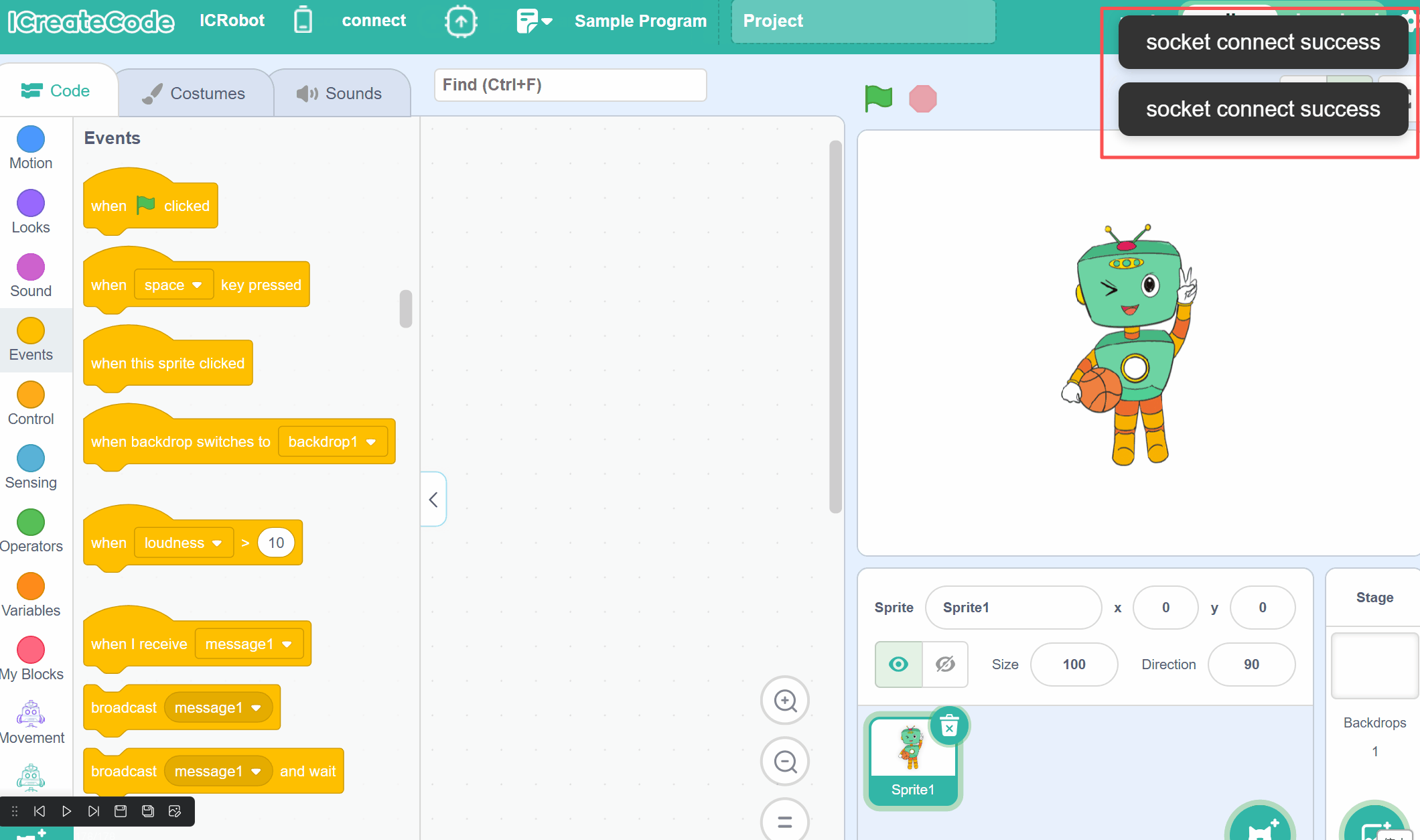
Step 5. When the software displays “Socket connection successful”, the ICRobot screen will switch to a cat emoji |

Note: If you need to disconnect, simply click “Disconnect Current Connection” in the text box on the software interface.